 Loading... Please wait...
Free Info - Voice Recorder
VEC Introduces Easy To Use RecordACall Software
Posted on 18th Mar 2016
VEC Introduces Easy To Use RecordACall Software
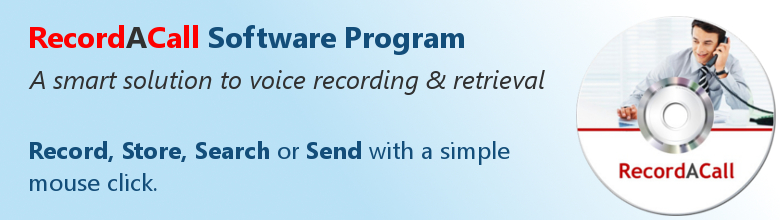
The RecordACall is a simple application that can be used to record from a telephone recording device or microphone attached to a PC. Recording files are created in the Recordings folder of the install folder and can also be sent to an optional destination folder. RecordACall records audio in 8K 16Bit Mono PCM wave format if the file extension is set to .wav and MPEG Layer-3 16K Hz samples per second Mono if the file extension is set to .mp3.
To Register RecordACall you will need a hardware license key (USB dongle) supplied with the RecordACall software. The hardware license key makes it easy to re-install or move RecordACall to another PC without re-registering. Record is disabled if a USB dongle is not found.
Simplifies Creating Voice Recordings
RecordACall is a Windows-based, feature filled digital recording software program designed for simple installation and simple operation. With RecordACall you can Record, Store, Search or Send with a simple mouse click while you concentrate on your conversation and not your computer screen.
Packaged For Ease and Accessibility
Everything you need is included on one disc and comes with a key-sized license dongle (looks like a Flash Drive). You can load RecordACall on as many computer as you wish, and you can do it on your time, at your convenience.
Compatibility is The Key
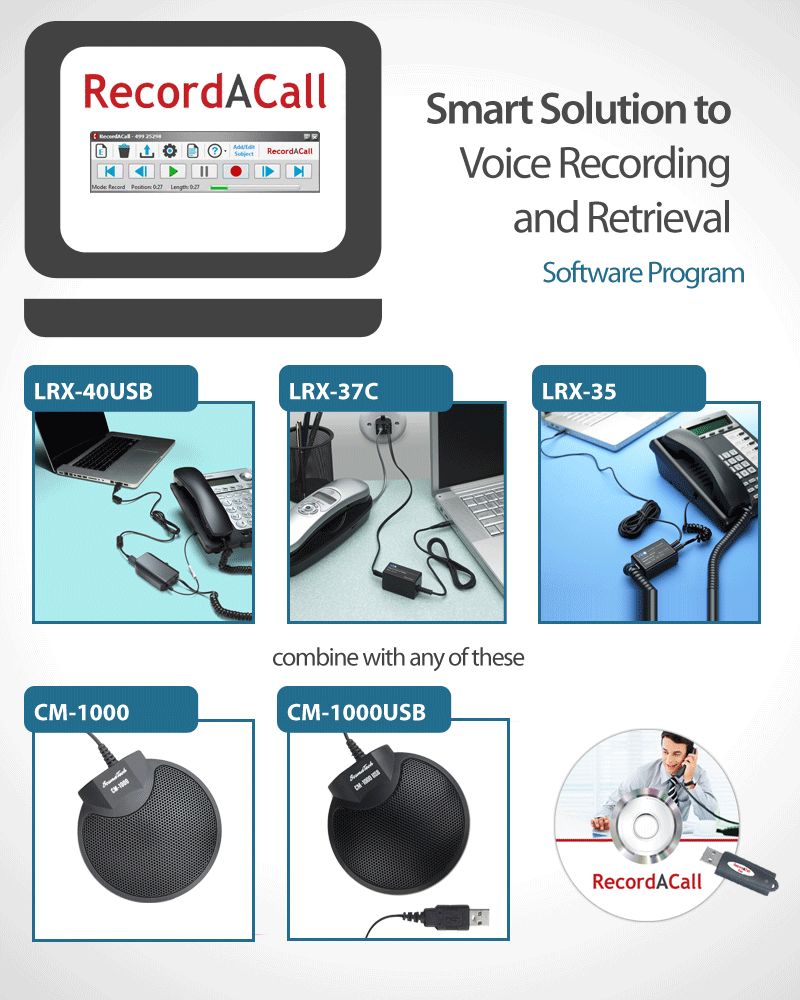
Today's telephone recording adapters are used throughout law enforcement, government agencies, brokerage houses, telemarketing centers, legal, medical, professional, personal, and a continuously growing list of applications. RecordACall is compatible with most recording adapters and PC's, including the popular LRX-35, LRX-37C, and the new LRX-40USB, CM-1000 microphones and more.
by Smoltz Distributing, Inc.
Rees Electronics - 2140 Westwood Blvd, #224, Los Angeles, CA 90025
Tel: 310.475.0859
www.ReesElectronics.com
Go Digital – Dictation And Transcription Made Easy
Go Digital – Dictation And Transcription Made Easy! It can be said with certainty that dictation and transcription as we know it has been transformed in the last decade. We find ourselves permanently in “contact me” mode via cell phone or email. Access to the inetrnet is ever easier and soft VoIPs (voice over internet protocol) [...]
How to Transfer Digital Files to Transcriptionists
How to Transfer Digital Files to Transcriptionists Digital files may be sent to transcriptionists in a number of ways: Automatically If both the person dictating and the transcriber are in the same office or on the same network, the files will be sent instantly to the transcriptionists (where they can both “see” the same shared or common folder [...]
How To Choose A Digital Recorder For Your Work
How To Choose A Digital Recorder For Your Work? There are a great number of recorders out there and it can be overwhelming! We'll try to break it down for you to make it as easy to understand as possible. First, digital recorders are broken into 2 main categories: Digital Recorders and Conference Recorders. Digital Recorders are [...]

Necessity of Digital Voice Recorders for Social Workers
Revolutionary Digital Voice Recorders for Social Workers There are roughly 650,000 social workers in the United States – and the job outlook is expected to grow by 25 percent from 2010-2020, faster than average for most occupations. This need is based on a national demand for health care and social services. Social workers encounter any number of [...]